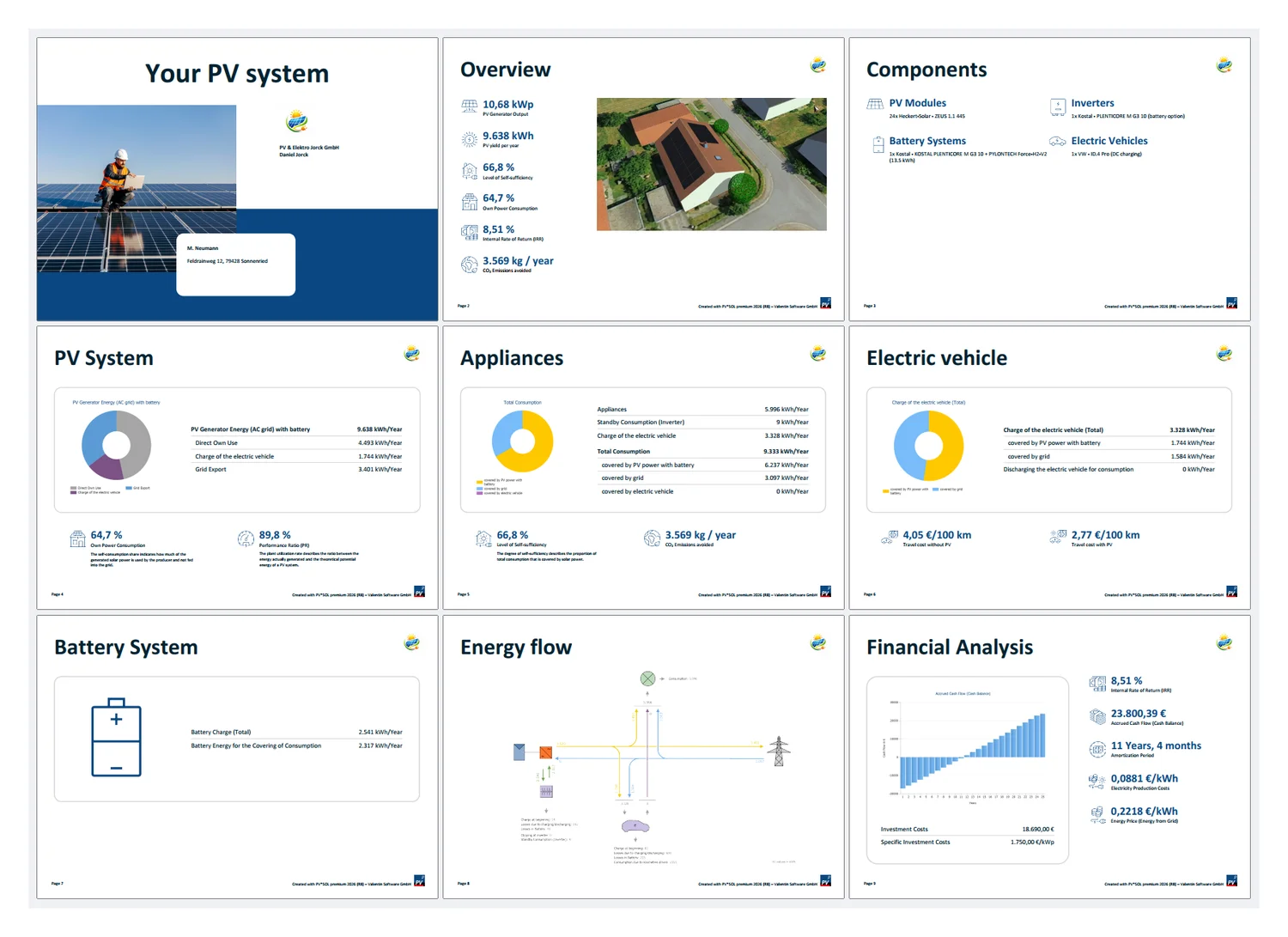

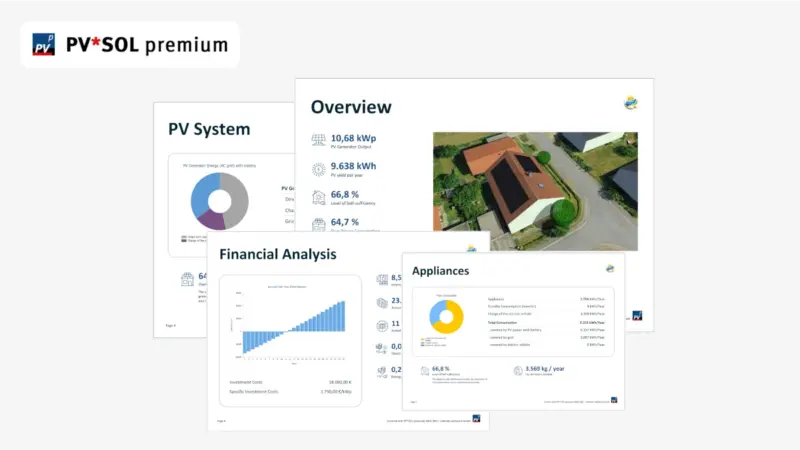
Creating a customer presentation in PV*SOL premium
PV*SOL premium (download free 30-day trial) lets you export a customer presentation with all key results of your PV system in a single PDF.
Here's how.
1. Design and simulate your PV system
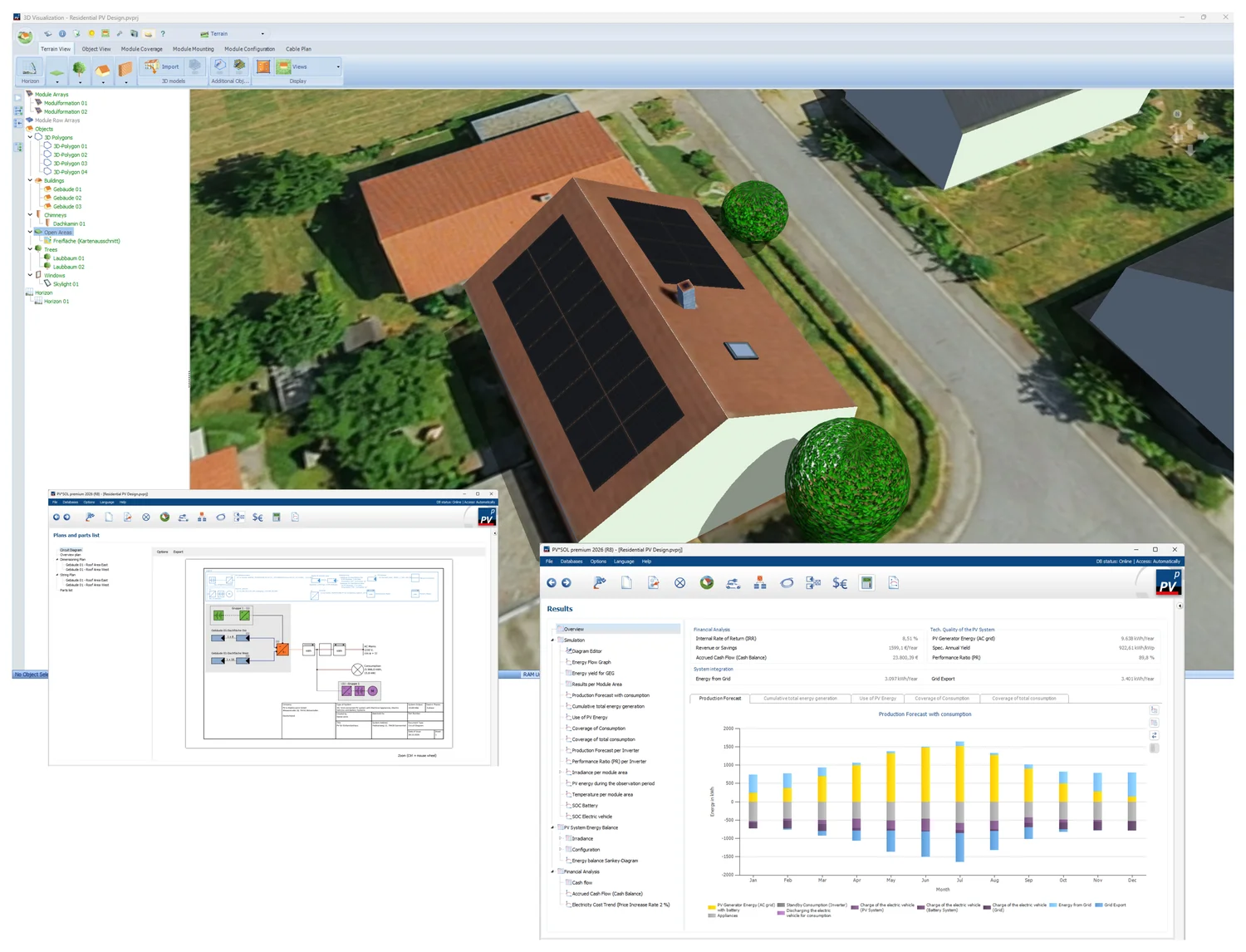
Design your system, then go to the 'Results' page to run the simulation and calculate the results. Make sure to enter your logo and company details and the customer data beforehand, as they appear in the presentation.
2. Create your presentation
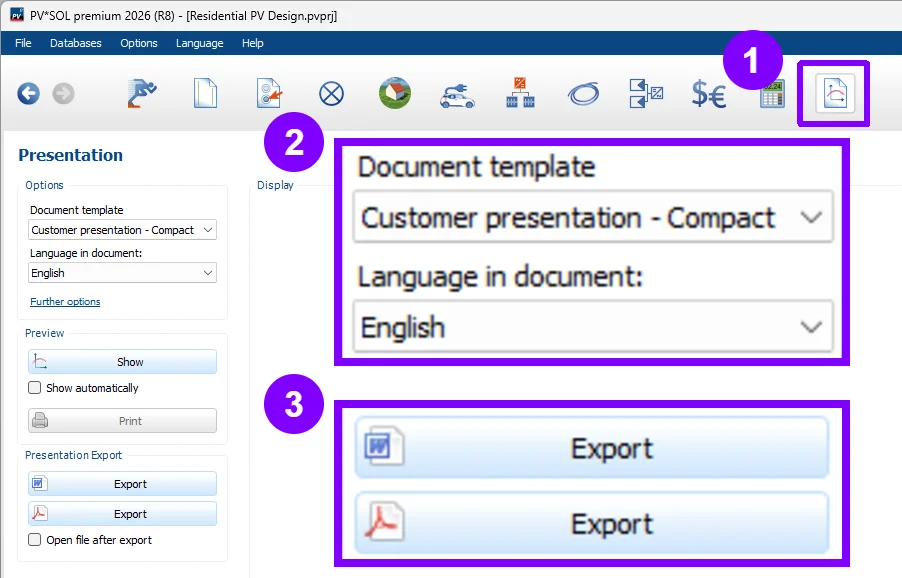
Go to the 'Presentation' page, select the "Customer presentation - Compact" template, choose the document language, and export as a PDF. Choose DOCX instead if you want to edit the content afterwards.
3. Share PDF with your customer
The finished PDF provides a concise overview of the PV system in one clear, professional document, ready to share with your client.